OpenAI Codex is an AI coding agent that can help developers write, understand, and modify code. Instead of only generating code from a prompt, Codex can work with a codebase, make changes, run tests, and help fix coding problems.
In this blog post, we’ll explain what OpenAI Codex is, how it works, its key features, real-world use cases, and its limitations. We will also compare Codex with other popular AI coding tools.
What Is OpenAI Codex?
OpenAI Codex is an AI coding agent designed to help developers with software development tasks. You can describe a task in natural language, and Codex can understand a codebase, write or edit code, run commands and tests, and help fix problems.
Codex can be used through tools such as the Codex app, command-line interface (CLI), IDE extensions, and cloud-based environments. This allows developers to use it for tasks ranging from small code changes to larger software engineering work.
How Does OpenAI Codex Work?
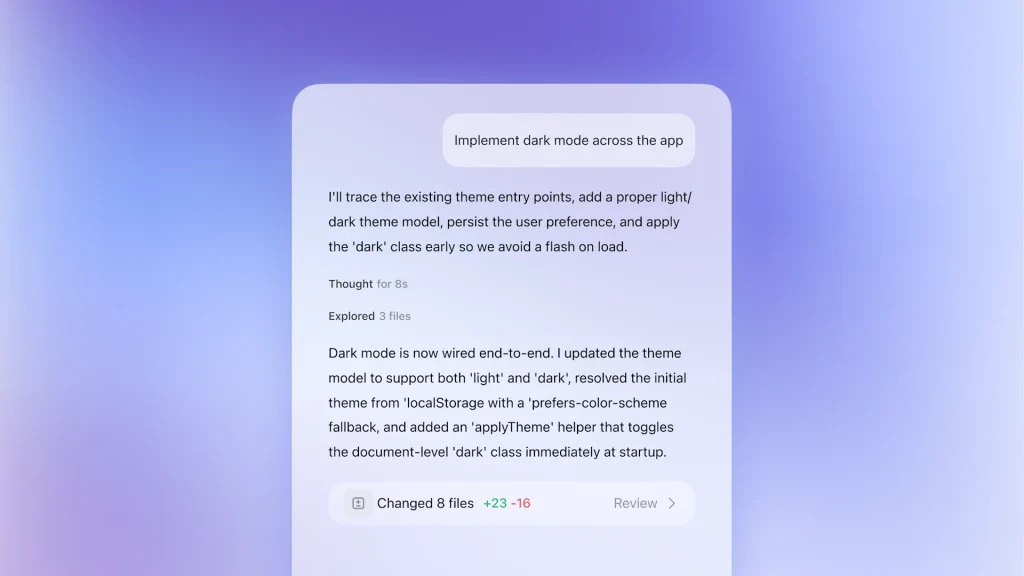
Codex works as an AI coding agent that can understand your instructions and work with an existing codebase. Instead of only generating a code snippet, it can inspect files, make changes, run commands and tests, and return the results for you to review.
Here’s a simple look at how it works:
- Input: You give Codex a task, such as “Fix the login error in this project.”
- Processing: Codex examines the relevant code and determines what changes are needed.
- Action: It edits files, runs commands or tests, and checks the results.
- Output: Codex provides the completed changes and a summary of what it did.
This makes Codex useful for coding, debugging, refactoring, testing, and working with larger software projects.
Key Features of OpenAI Codex
- Code Generation and Editing – Create new code or modify existing code using natural language instructions.
- Codebase Understanding – Analyze files and understand how different parts of a project work together.
- Debugging and Bug Fixes – Find coding problems and suggest or implement fixes.
- Testing – Run tests and commands to check whether changes work as expected.
- Code Review – Review code and identify potential bugs, problems, or improvements.
- Refactoring – Improve existing code while keeping its intended functionality.
Real-World Use Cases
Codex can be used for many software development tasks, from small fixes to larger engineering projects.
- Building Features
Codex can create new features and make changes across an existing codebase. - Debugging and Bug Fixes
Developers can use Codex to investigate errors, identify problems, and implement fixes. - Testing and Code Review
Codex can write tests, run them, review code, and identify potential issues before changes are shipped. - Refactoring and Migrations
Codex can help modernize existing code, refactor large codebases, and handle software migrations.
Limitations to Keep in Mind
Despite its capabilities, Codex isn’t perfect. Here are a few things to keep in mind:
- Accuracy – It can make mistakes or produce code that does not fully solve the problem.
- Security Risks – AI-generated code may contain security issues or unsafe practices.
- Code Review – Developers should review and test Codex’s changes before using them in production.
- Overreliance – Depending too heavily on AI can make it harder to understand the code and underlying logic.
Codex can speed up development, but developers still need to verify its work and make the final technical decisions.
Codex vs Other AI Coding Tools
Codex is one of several AI coding tools available today. The best choice depends on the developer’s workflow and the type of tasks they need to handle.
| Tool | Main Strength | Best For |
|---|---|---|
| OpenAI Codex | Agentic coding and software engineering tasks | Complex coding and codebase work |
| GitHub Copilot | AI assistance across GitHub and IDEs | Everyday development |
| Claude Code | Coding and terminal-based workflows | Codebase analysis and development tasks |
| Gemini Code Assist | Coding with Google’s AI ecosystem | Developers using Google Cloud and related tools |
These tools overlap in many areas, so the right choice depends on your preferred development environment, features, and workflow.
What’s Next for OpenAI Codex?
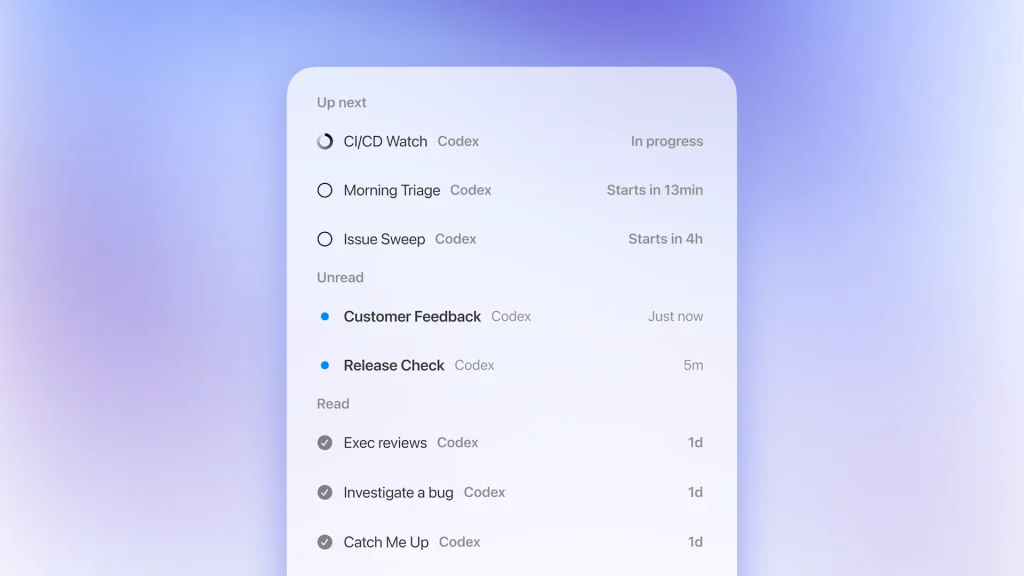
Codex has moved beyond simple code generation and can now handle more parts of the software development process. Developers can use it to work on codebases, run tests, review changes, and handle multiple coding tasks.
- Work on larger codebases and software projects
- Run commands and tests to verify changes
- Review and improve existing code
- Handle multiple coding tasks with AI agents
As Codex continues to develop, its role is becoming more focused on assisting with complete software engineering tasks rather than simply writing individual code snippets.
Final Thoughts
OpenAI Codex has grown from a code-generation tool into an AI coding agent that can help with different parts of software development. It can write and modify code, work with codebases, run tests, and help developers fix problems.
Still, Codex is not a replacement for developers. Human review and technical decisions remain important, especially when working with production code, security, and complex projects.